Your Card Just Got 3X Happier
Two Holiday Weeks
One Goal: Earn 3X Rewards
myDistrict 3X
Holiday Bonus
This holiday season, your District Credit Union Credit Card gives you two chances to earn 3X myDistrict Rewards points for every dollar you spend.
When you shop during Black Friday Weekend and Christmas Week, you’ll earn more rewards while keeping your budget steady and your holiday plans stress-free.
Remember, District Credit Union Credit Cards come with a fixed, dependable rate, so your payments stay predictable, and your rewards keep growing. Use your card during both holiday weeks and earn 3X points on every purchase you're already planning to make.
Two Chances to Earn 3X Points
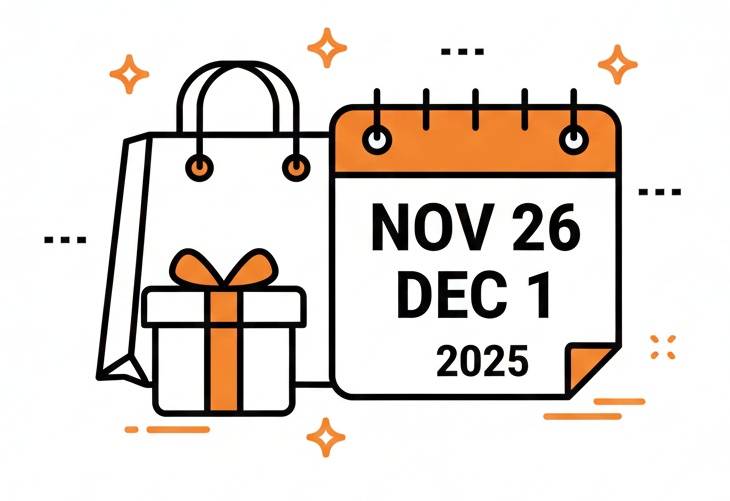
Black Friday Weekend
November 26 – December 1, 2025
Earn 3X Points
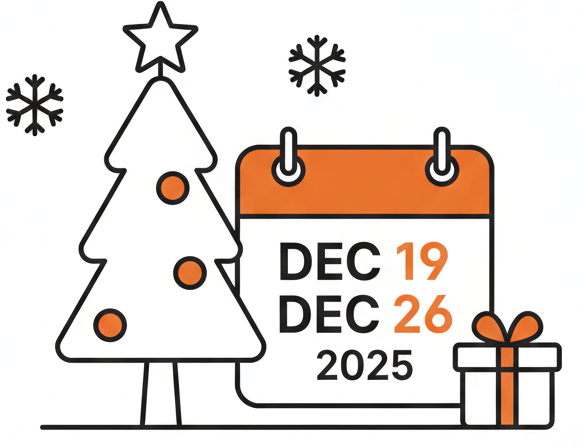
Christmas Week
December 19 – December 26, 2025
Earn 3X Points
Because everyone deserves a little extra cheer this time of year
Why Use Your District Credit Union Card
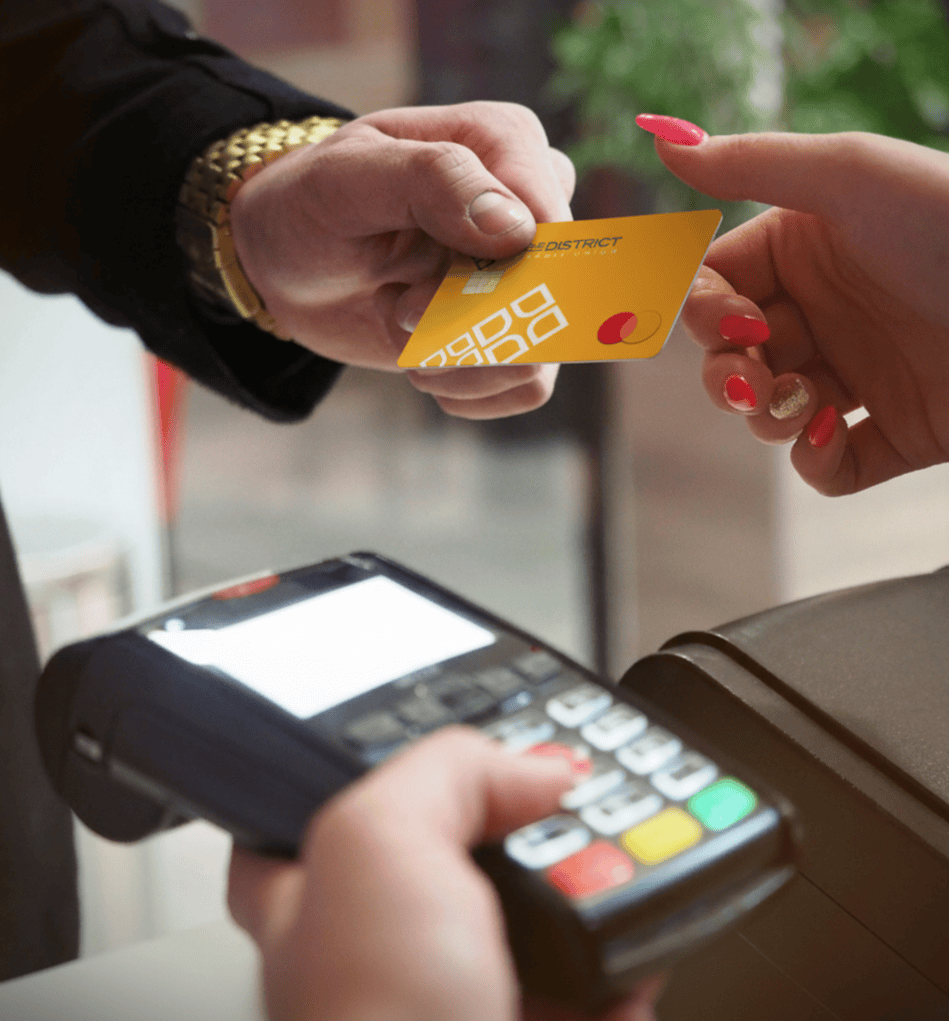
Fixed Rate: Your rate stays steady, no market surprises, no fluctuating payments.
No Annual Fee: Every dollar you spend earns rewards, not fees.
Safe and Simple: Add your card to your digital wallet for quick, secure checkouts.
Real Rewards: Redeem your points for travel, cash back, or gift cards at myDistrict Rewards.
Local Impact: Every purchase supports your credit union and community, not shareholders.
Our members deserve financial tools that work as hard as they do.
This season, your card gives you more reasons to swipe confidently.
How to Earn
Use your Platinum, Classic, or YouGrow Secured Credit Card during either promotional week.
Earn 3X myDistrict Rewards points on every qualifying purchase.
Register your card at
myDistrict Rewards to track and redeem points for the things that make life brighter.
Digital Wallet Set up in minutes
Add your District Credit Union credit card to your digital wallet for a faster, safer checkout experience.
Apple Wallet
On iPhone:
1. Open the Wallet app and tap “+”.
2. Choose Debit or Credit Card.
3. Scan or enter your card details.
4. Follow the prompts from District CU to verify your card.
5. Once verified, you’re ready to pay securely with your phone.
On Apple Watch / iPad / Mac:
Add your card under Settings > Wallet & Apple Pay, then verify once to start using Apple Pay across all devices.
Samsung Wallet
On Samsung Devices:
1. Open the Samsung Wallet app (formerly Samsung Pay).
2. Tap Menu or “+ Add Card.”
3. Select Credit/Debit Card, then scan or enter your card details.
4. Review and accept the terms.
5. Verify through SMS, email, or your banking app.
6. Once verified, your card is ready for contactless payments.
*Promotional Offer: Offer valid for Platinum Classic, YouGrow, and Secured Credit Cardholders of The District Credit Union only. Earn three (3) times the myDistrict Rewards points on qualifying purchase transactions made during Black Friday Weekend (Nov 26–Dec 1, 2025) and Christmas Week (Dec 19–Dec 26, 2025). Bonus points are based on the swipe date of eligible transactions. Points earned from Black Friday Weekend will post to member accounts by December 2025, and points earned from Christmas Week will post by January 2026. Purchases only; returned or refunded transactions will result in point deductions. Maximum bonus payout is capped at the equivalent of $100 in rewards per account per promotional period. Offer excludes balance transfers, cash advances, ATM withdrawals, and account fees.
myDistrict Rewards is powered by Amplify Member Rewards. Members must register their District CU credit card at myDistrict Rewards to view, track, and redeem points. Membership eligibility required. Federally insured by NCUA. Mastercard® is a registered trademark, and the circles design is a trademark of Mastercard International Incorporated.


The District Credit Union (NMLS# 402483) is federally registered through the Nationwide Mortgage Licensing System. NMLS is a free service for consumers to
confirm that the mortgage loan originator with whom they wish to conduct business is federally registered. To verify the status of your mortgage loan originator at
The District Credit Union, visit http://www.nmlsconsumeraccess.org.
© 2025 The District Credit Union
| Privacy Policy | Security Policy | Error Resolution Notice | Disclosures